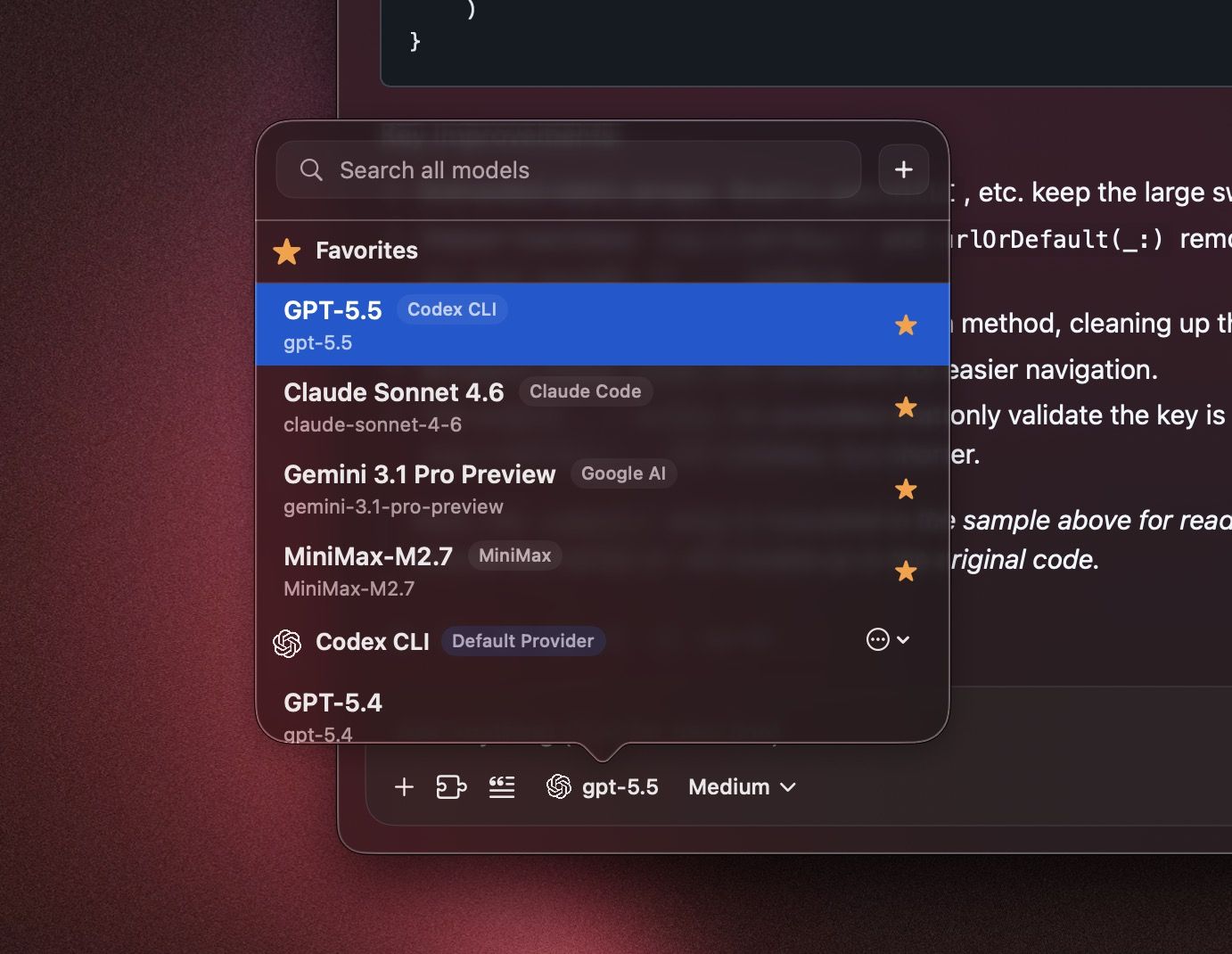
February 3rd, 2026
Fixed
Chat reliability improvements. Fixes a regression affecting some chats after switching providers.
MCP OAuth redirect improvements. Adds an Ahrefs-specific OAuth redirect override for smoother auth.
January 29th, 2026
New
Improved
NEW: Moonshot AI provider support. Added Moonshot AI as a selectable provider.
Codex tools, fixed. ChatGPT OAuth (Codex) now supports custom function tools (including MCP) with correct tool-call streaming and input/output handling.
Codex tool-call safety. Prevents mismatched tool-call state when switching providers by dropping unsupported tool parts before requests.
Remote MCP reconnects on launch. OAuth MCP servers now reconnect reliably at startup, with proper auth-mode persistence for custom connectors.
OAuth token lookup improvements. Better matching and handling for MCP OAuth tokens to reduce unnecessary re-auth prompts.
Enter-to-send preference. Added a composer option to send on Enter.
Code fence inline detection fix. Improved inline detection for fenced code blocks.
January 23rd, 2026
New
Improved
Gemini CLI web search. Added provider-native Google Search support with search indicators and source citations, so Gemini CLI results display grounded links in the UI.
Codex web search compatibility. Added tool wiring and status indicators so Codex CLI web search shows up cleanly in chat output.
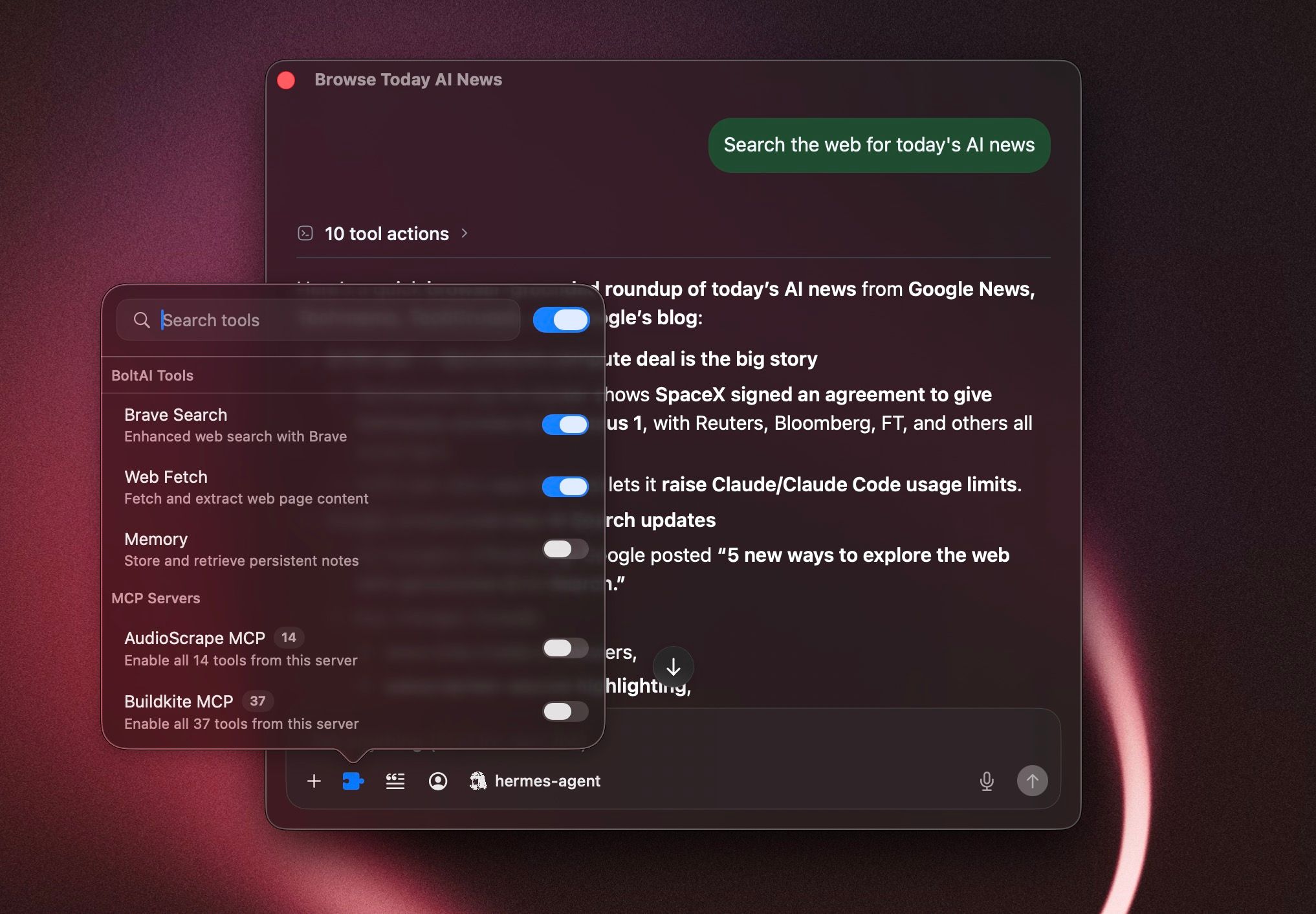
Provider-aware tool UI. Tool selection now adapts to Gemini CLI (search-only) and clarifies Copilot tool availability.
Improved math rendering. Better inline LaTeX handling for typical model output using single-dollar delimiters.
January 15th, 2026
New
Improved
New: Google Vertex AI. Configure service account JSON, project, and location to use Vertex models.
New: Chat export/import. Export a chat to JSON or import it from the app menu.
Improved: Tool history reliability. Anthropic server tools are sanitized to avoid malformed replay.
Improved: Usage reporting. OpenAI‑compatible providers now surface usage metrics consistently.
Fixed: Gemini image follow‑ups. Thought signatures are preserved and images are normalized for multi‑turn use.
Fixed: Native tool availability. Provider-native tools now show up correctly (including new Vertex tools), with tool selection remaining per-chat.
January 12th, 2026
New
Fixed: MCP OAuth sign‑in. Authentication now works even when Safari isn’t your default browser.
Improved: Tool defaults. The “Enable tools by default” toggle lives inside Manage Plugins and disables the list when off.
Improved: Agent tool behavior. Switching a chat to an agent with tools now enables tool use for that chat.
January 7th, 2026
New
Fixed
New: Usage metrics & estimated cost. Messages now store usage details, with chat-level totals for quick tracking.
New: Workflow ordering & usage stats. Sort workflows, track usage count, and see recent activity.
New: Thinking controls for Anthropic, Google, and OpenRouter. Configure effort/level and budgets across account, folder, agent, and chat.
New: Codex CLI improvements. GPT-5.2 Codex models added and verification is more flexible with clearer warnings.
New: Workflow/agent/prompt duplication. Quickly duplicate items and start a New Chat (Copy Configuration) from the sidebar.
New: Advanced message editor. Expanded editing tools for message content and structure.
Improved: Attachments. Higher file size limit for licensed users with clearer limits and errors.
Fixed: Custom base URL model fetch. Model list requests now honor custom base URLs during provider setup.
Fixed: Context policy updates. Switching profiles now keeps context policy changes consistent.
Fixed: Markdown list indentation. Lists render with correct spacing and nesting.
Fixed: Web renderer stability. Prevented a crash when extracting message text for rendering.
January 1st, 2026
New
New: Built-in Apple TTS support. Added Apple’s built-in text-to-speech voices to Voice settings.
Fixed: Audio player window routing. Fixed the audio player opening in the wrong window.
Fixed: Tools toggle stability. Prevented tools from auto-reverting or auto-enabling provider search when no tools are selected.
Fixed: Agent tool list persistence. Fixed agent tool selections not saving reliably.
Fixed: Gemini title generation. Fixed chats not auto-generating titles when using Gemini.
Fixed: Think blocks in copy. Copying messages no longer includes <think> blocks.
December 19th, 2025
New
New: More built-in models. Added new models for Codex CLI, Claude Code, and Gemini CLI (GPT-5.2, Opus 4.5, Haiku 4.5, Gemini Pro 3.0).
New: Extra High reasoning effort. Added support for xhigh reasoning effort.
Fixed: Keyboard shortcuts being stolen. Fixed an issue where BoltAI could overwrite ⌘R and other system/app shortcuts.
Fixed: Agent tools not applied in workflows. Fixed an issue where tools were not applied when using an AI Workflow + AI Agent with tools.
Fixed: LLM parameters not saved. Fixed an issue where some LLM parameters might not be persisted.
Fixed: ShotSolve screenshot state. Fixed an issue where ShotSolve could keep previous screenshots instead of clearing them.
Fixed: Import hanging on macOS 26. Fixed an issue where import could hang on macOS 26.
Fixed: Codex CLI auth refresh tokens. Sync refresh tokens back to the Codex CLI auth.json.
Improved: Streaming proxy errors. Improved AI inference error handling in the streaming proxy.
December 15th, 2025
New
New: Apple Foundation Models (macOS 26+). Go to Settings > AI Services and click the plus (+) button to set it up. Tip: you can configure an AI Workflow to use Apple Foundation Models for free, 100% offline writing assistance. Note: tools are currently not supported for Apple Foundation Models.
New: Advanced keyboard shortcuts. Go to Settings > Shortcuts to customize (e.g., new chat window, new temporary chat window, activate BoltAI chat, focus composer, regenerate response, copy last AI response, copy last AI response & close, edit last user message).
New: Instant Workflow. Freely type your prompt in the Workflow Palette and trigger it immediately instead of using a pre-defined workflow.
New: Reset Chat Context. Reset the current chat context marker with ⌘⇧K (configurable).
Improved: Workflow hotkey trigger (no preview). Improved direct hotkey trigger for an AI Workflow (no preview), with a quick indicator in the case of “No Preview”.
Improved: Japanese / Chinese IME. Better support for Japanese and Chinese input methods.
Improved: Audio Player UI. The audio player now adopts the new Liquid Glass design.
Fixed: Memory retention. Attempted to fix a memory issue where the app might retain large memory after idling for a long time.
December 9th, 2025
New
New: Liquid Glass support. BoltAI v2 now works on macOS Tahoe with Liquid Glass.
Fix: Tools popover toggles. Resolved cases where some users couldn’t enable tools.
Improved: RTL support. Better rendering and layout for right-to-left languages.
Fix: List rendering. List items now render correctly in chats.
Fix: Prompt imports. Addressed failures importing prompts from v1.
Improved: Launch at Login & dock hiding. On login, the app hides its window and dock icon as expected.
Fix: Window persistence. Window size and position are saved reliably.
Improved: AI Workflow robustness. More reliable when triggered via direct keyboard shortcut.
Improved: MCP handling. Better stability and control over MCP servers.
New: MCP runtime ENV & PATH customization. Configure whitelists/blacklists and add PATH entries for tools like npx or uv.