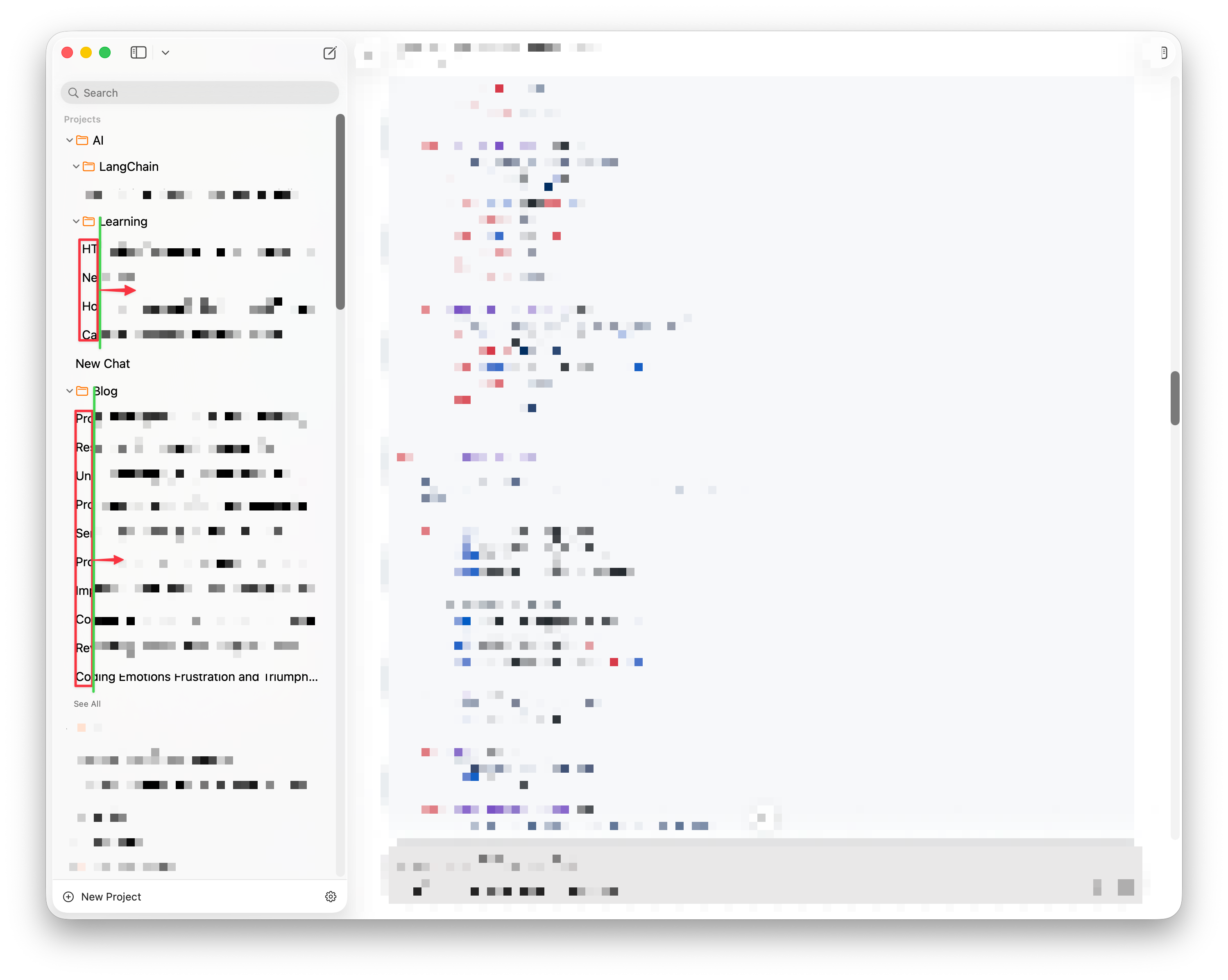
The current sidebar navigation has a visual alignment issue where nested files are indented too far to the left relative to their parent folders. As shown by the red boxes and arrows in the image above, the child items seem to align with the folder's expand/collapse icon instead of the folder name. This lack of indentation breaks the vertical scanning line, making the hierarchy look cluttered and difficult to read quickly. The items should be shifted right to align flush with the parent folder names, along the path indicated by the green line.