GG BUG: Cannot rename a file when saving from a text/message/svg block if you change folders
This bug I only first started seeing when I upgraded to Golden Gate. Consider this scenario.
In a block in a chat, you click the three dots to select “save as…”
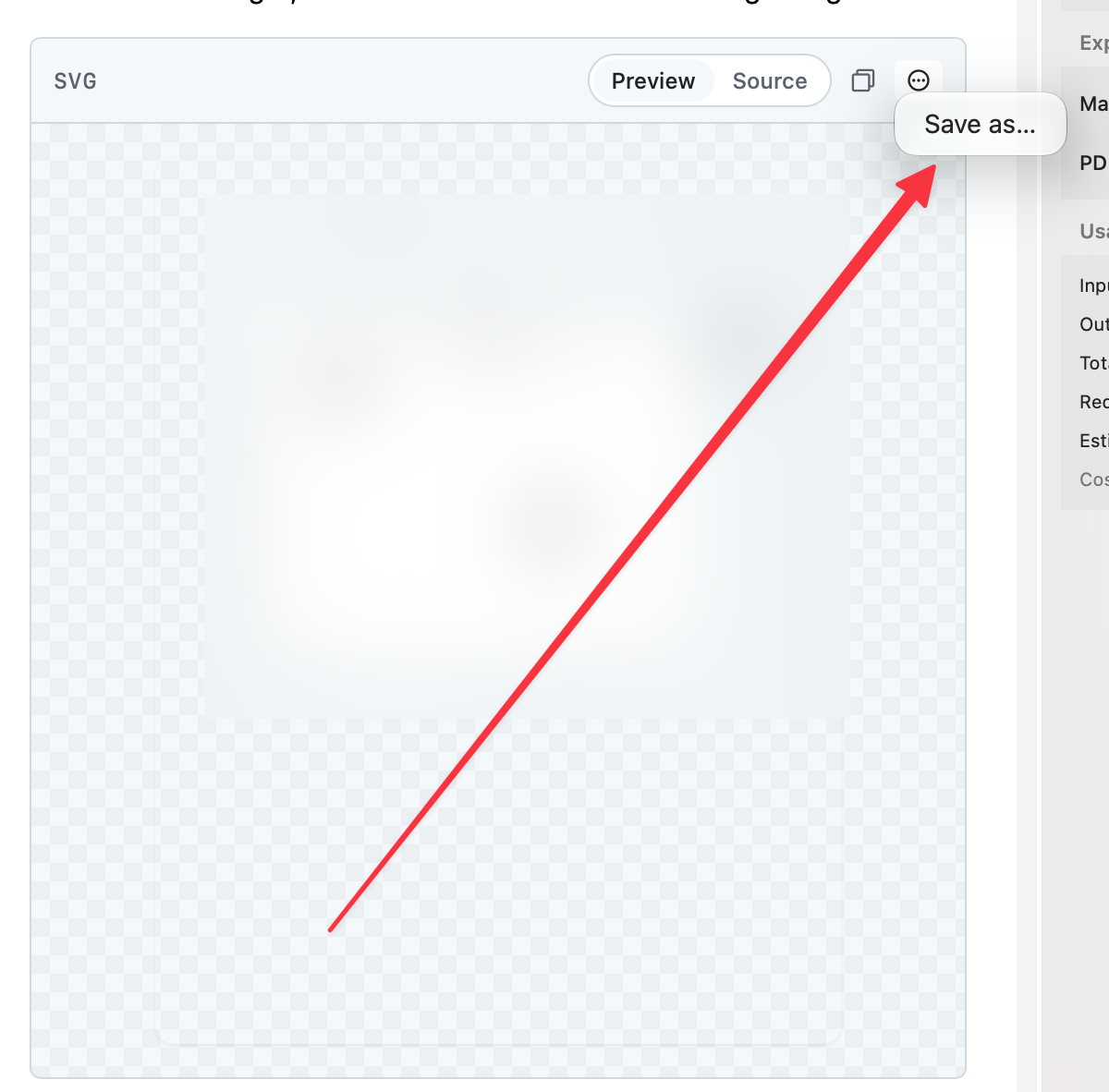
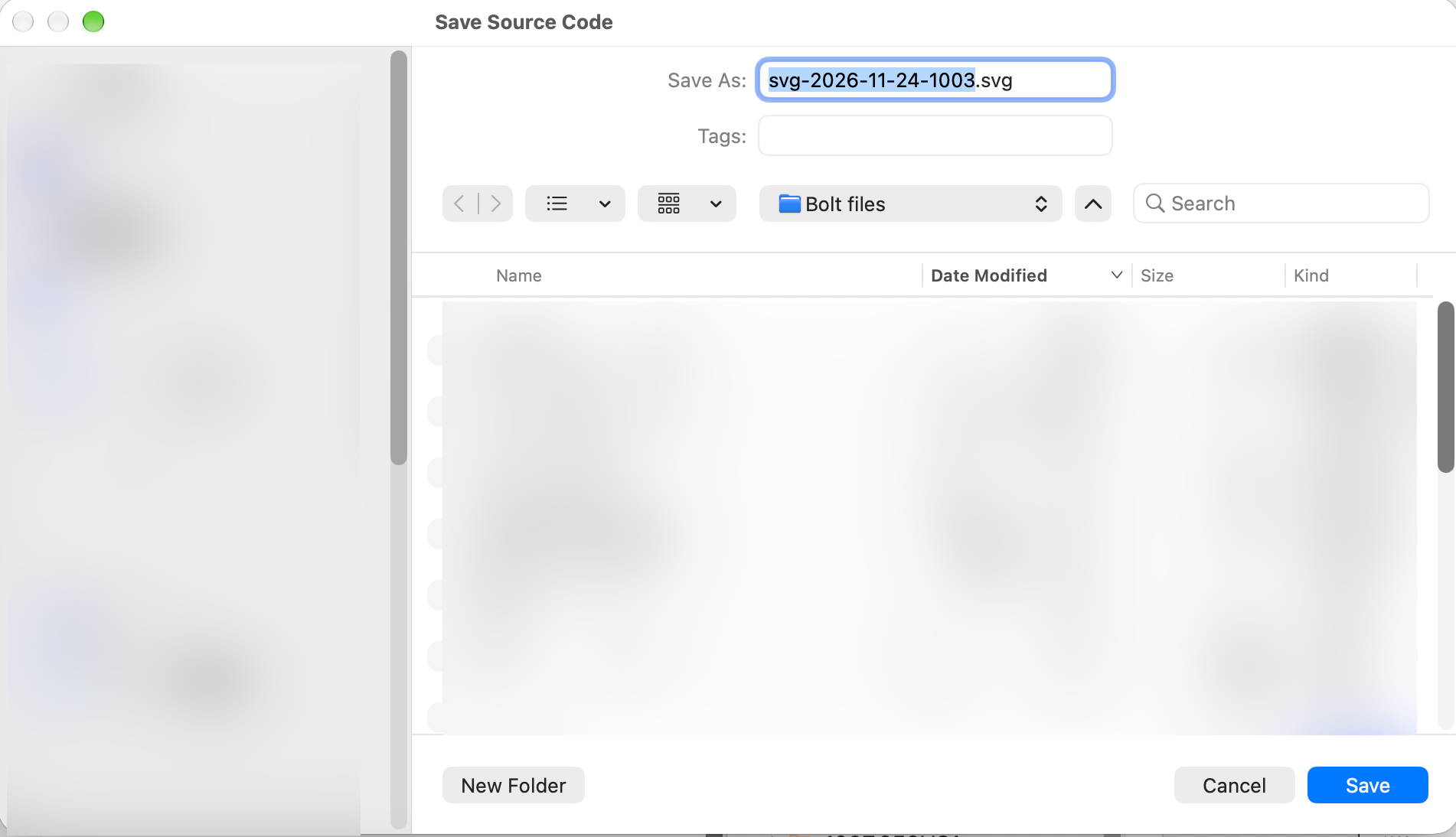
You select “save as…” and get a dialog box. At this point, you can rename the file before saving if and only if you do not change the folder it saves to. So here, I’m saving to “Bolt files,” which was the folder that showed up when the dialog was displayed (i.e., it was the previously saved to folder, and thus the new folder) and can change the name of the file and save without issues.
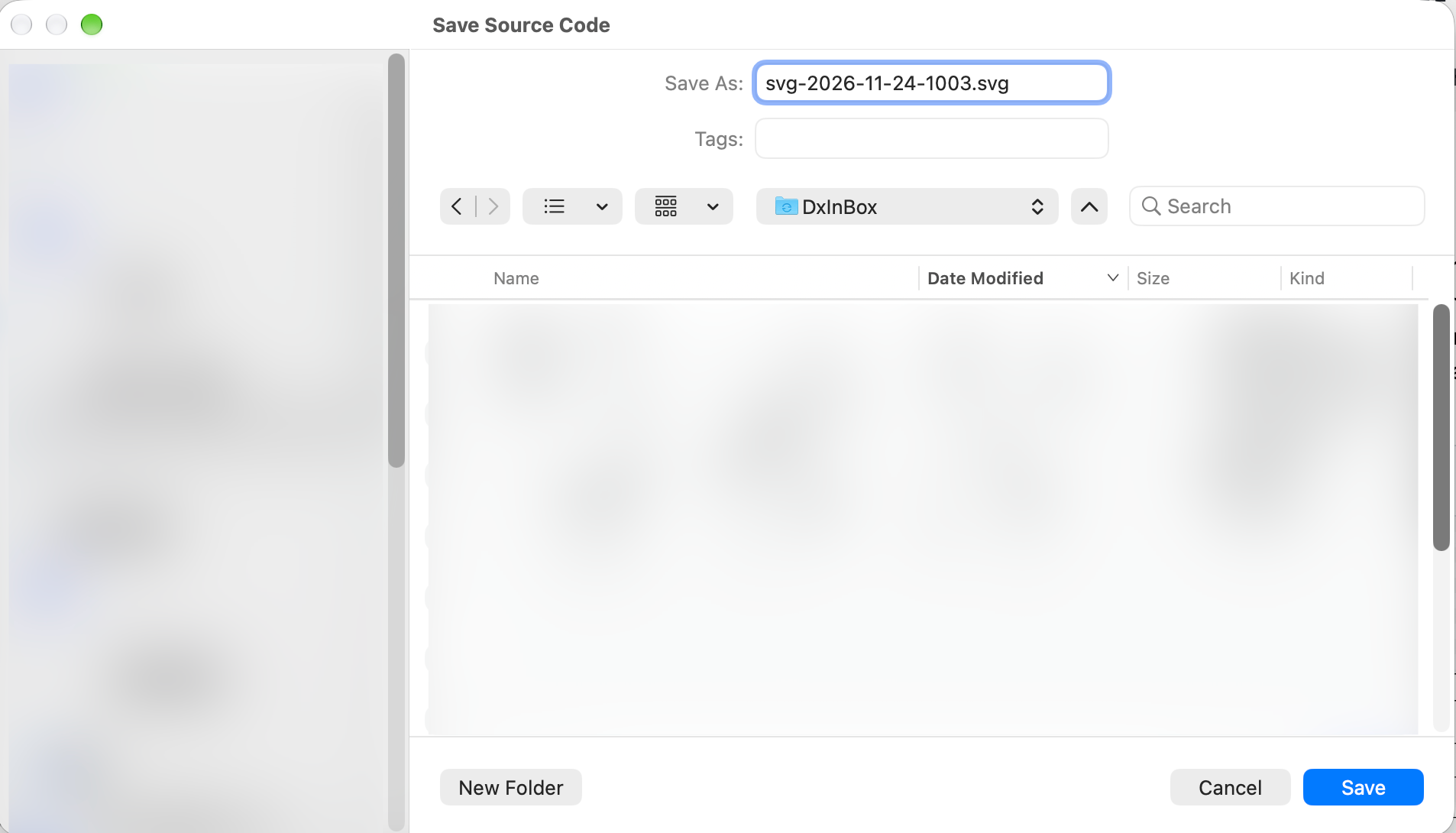
But say I move to a different folder. Once you move to a different folder you cannot rename the file. If you click into the “save as” box and try to type anything, the Mac just makes sounds as you type letters (indicating that it doesn’t allow this). So here, I’ve changed the folder from “Bolt files” per above to “DxInBox”, and cannot change the name. I have to accept the default filename — and then go change it in Finder.
This issue was introduced I believe when I upgraded to Golden Gate; I didn’t have the problem on Tahoe. It’s also unique to Bolt, and does not occur with other programs.
Log in to comment and vote
No comments yet
Be the first to share your thoughts.