BUG: Cannot select multiple messages to remove at a single time in project attachments
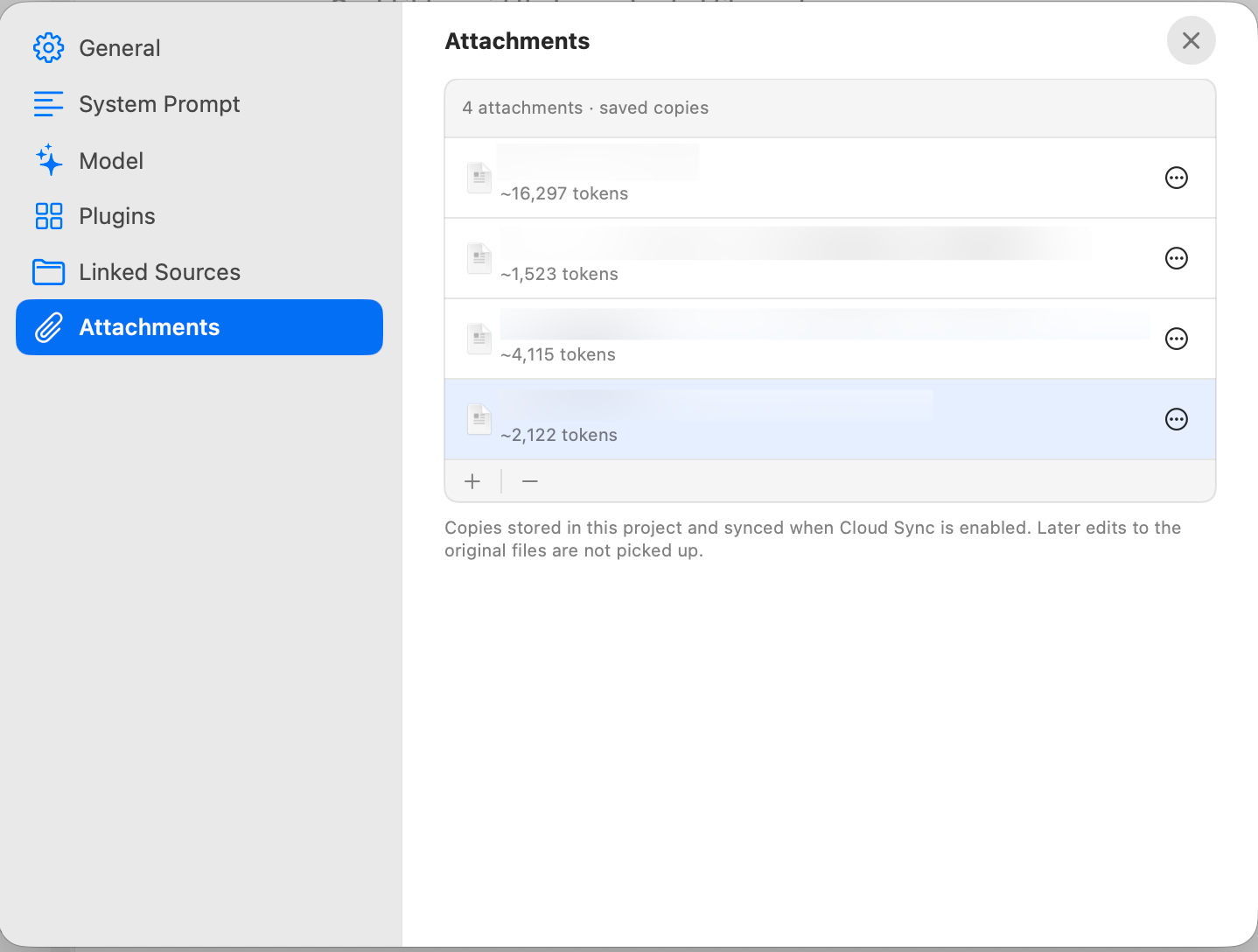
If you go to project settings—>attachments, there are plus and minus buttons at the end of the list of attachments. However, you cannot select multiple attachments by shift-clicking or command-clicking. Rather, if you want to delete more than one attachment, you have to select one attachment, press minus (or press the three dots and select remove), then go to the next one, etc.
I’ll routinely have to remove 5-10+ attachments from a project, and this is quite a chore.
Should be an easy fix.
Log in to comment and vote
Linked to Better Chat Attachment Management – Bulk Selection, Sorting and Deletion
No comments yet
Be the first to share your thoughts.