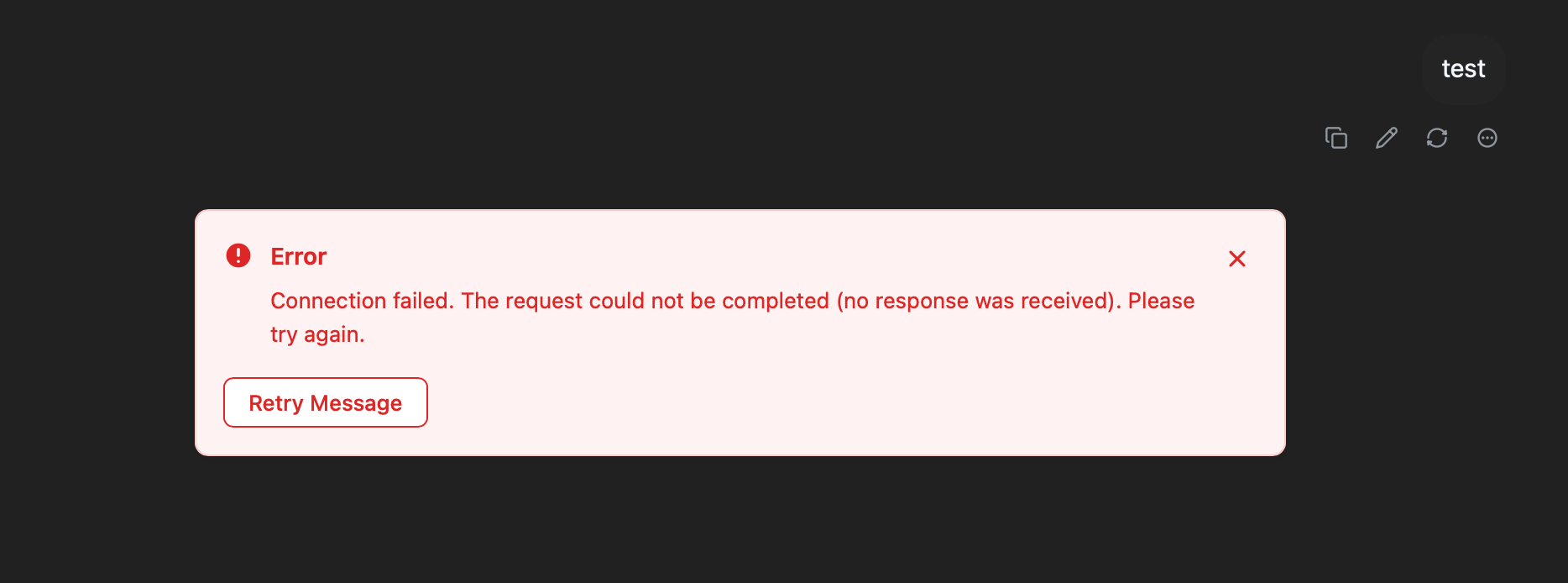
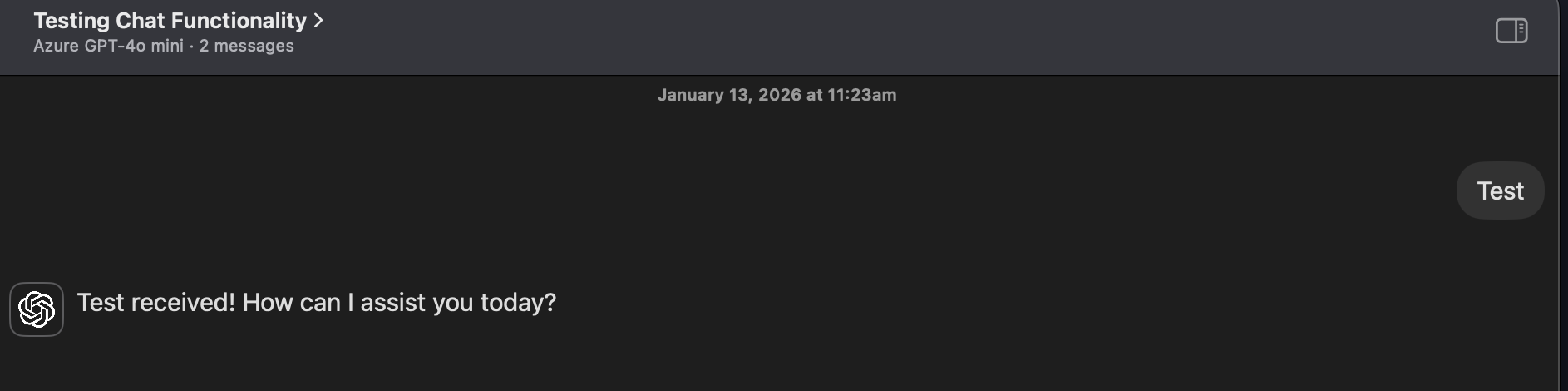
Overview: The application fails to establish a connection with the Azure OpenAI API when using Bolt v2, resulting in a "Connection failed" error. The exact same credentials (Endpoint, API Key, Deployment Name) work successfully in Bolt v1.
Environment Metrics:
Model: GPT-4o mini (Azure)
Success Version: Bolt v1 (Confirmed working in Screenshot 1)
Failure Version: Bolt v2 (Connection failed in Screenshot 2)
Error Message: "Connection failed. The request could not be completed (no response was received). Please try again."
Suspected Technical Causes for Investigation:
Request Header construction: Azure OpenAI requires specific headers (
api-key). Bolt v2 might be misformatting the header or incorrectly nested theapi-keywithin the Bearer token field, which Azure doesn't always support depending on the SDK implementation.Endpoint URL Formatting: Bolt v2 might be appending
/chat/completionsor/openai/deployments/...differently than v1. If the base URL in the config includes the deployment path, v2 might be double-concatenating it, leading to a 404/Connection refused error.CORS or Proxy Issues: If Bolt v2 introduced a new backend architecture or server-side proxy, the request might be failing pre-flight or being blocked by the Azure networking firewall (reaching a "no response" state).
Recommended Debugging Steps:
Compare the JSON payload structure between v1 and v2; Azure is strict about the
messagesarray format and doesn't support certain parameters that standard OpenAI does.Verify if the Model Deployment Name is being passed correctly in the URL path for v2.
Summary for the Developer:Since it works in v1 but not v2 with identical settings, this is likely a change in how Bolt v2 constructs the fetch request to the Azure-specific endpoint.